


Update your business profile
Keep business details, contact information and branding current.
4 steps · about 4 minutes
Before you start
Updated details
- Open SettingsChoose Store details.
- Update informationEdit name, address, contact and tax details.
- Refresh brandingChange logo or colours if needed.
- Save changesUpdates appear on invoices and the store.
TipTax detail changes apply to new invoices only.
Was this guide helpful?
In the admin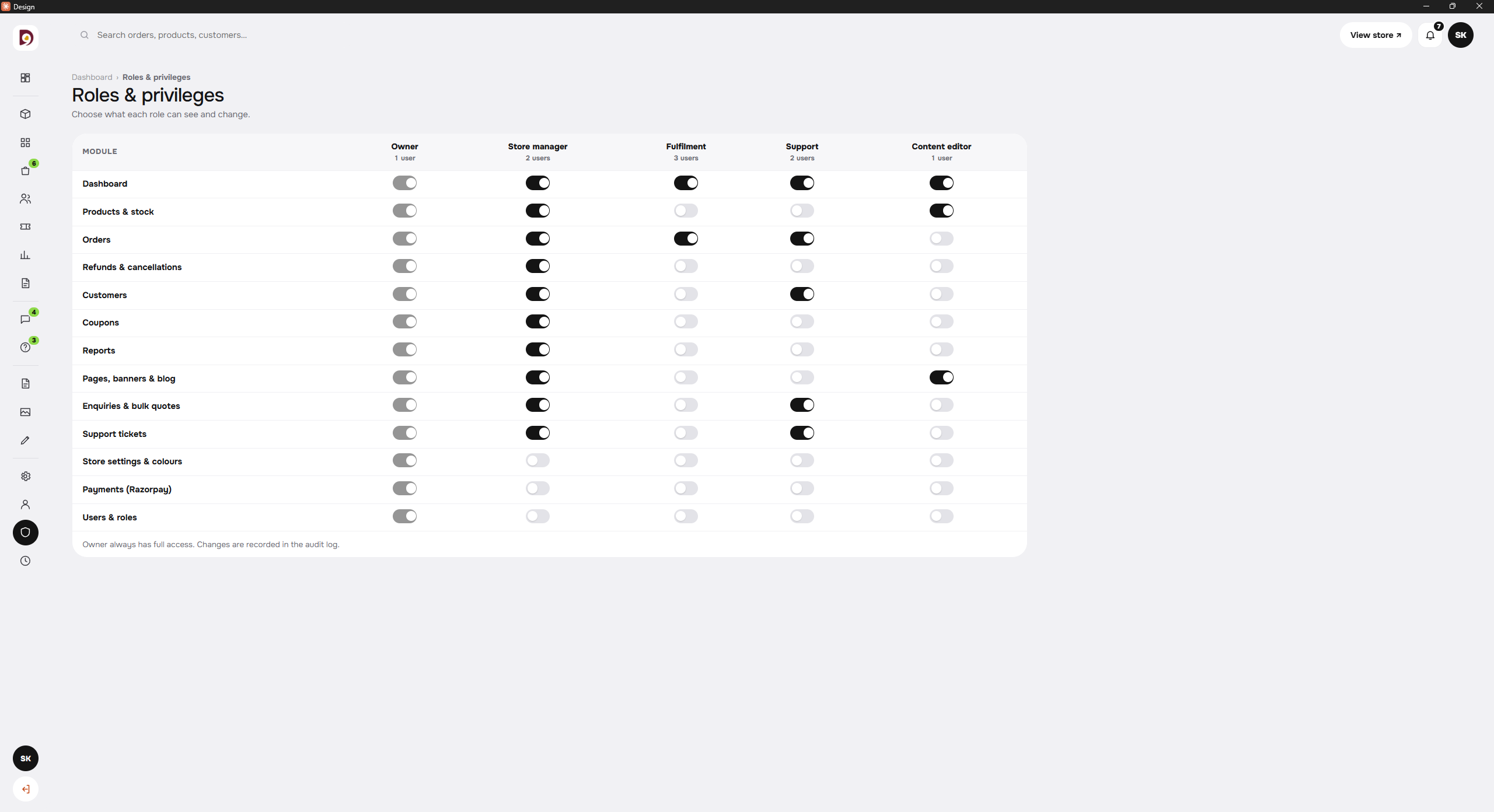
Where you’ll find it
This is the Roles & access screen in your GroKeeper admin. Your store may show different data.
Need more detail? See the full admin guide or contact support.