


Track a shipment
Keep shipping information current and share tracking with customers.
4 steps · about 4 minutes
Before you start
Courier and tracking number
- Open the shipped orderFind it in Orders.
- Add or update trackingEnter the courier, AWB and tracking link.
- Notify the customerTracking details are shared by email automatically.
- Mark as deliveredUpdate the status when delivery is confirmed.
TipDelivered orders can trigger an invoice email automatically.
Was this guide helpful?
In the admin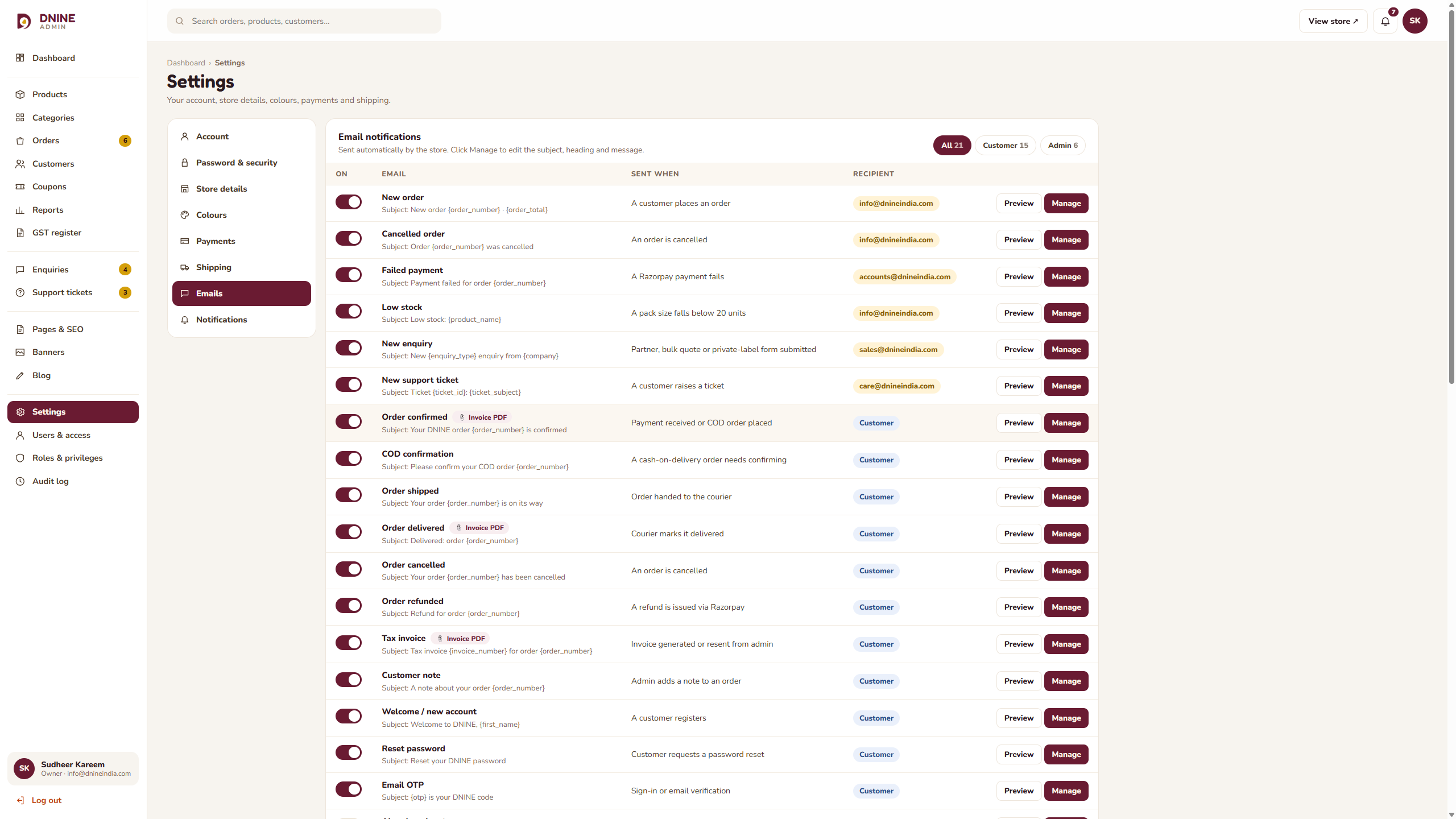
Where you’ll find it
This is the Email notifications screen in your GroKeeper admin. Your store may show different data.
Need more detail? See the full admin guide or contact support.