


Manage a new order
Review incoming orders and follow them through packing and dispatch.
5 steps · about 5 minutes
Before you start
Access to Orders
- Open the orderNew orders appear at the top of your Orders list.
- Check the detailsConfirm items, address, payment status and any notes.
- Mark as packedUpdate the status when the order is ready.
- Add shipping detailsEnter the courier and tracking number.
- Mark as shippedThe customer receives an automatic update with tracking.
TipCash on delivery orders may need confirming before dispatch.
Was this guide helpful?
In the admin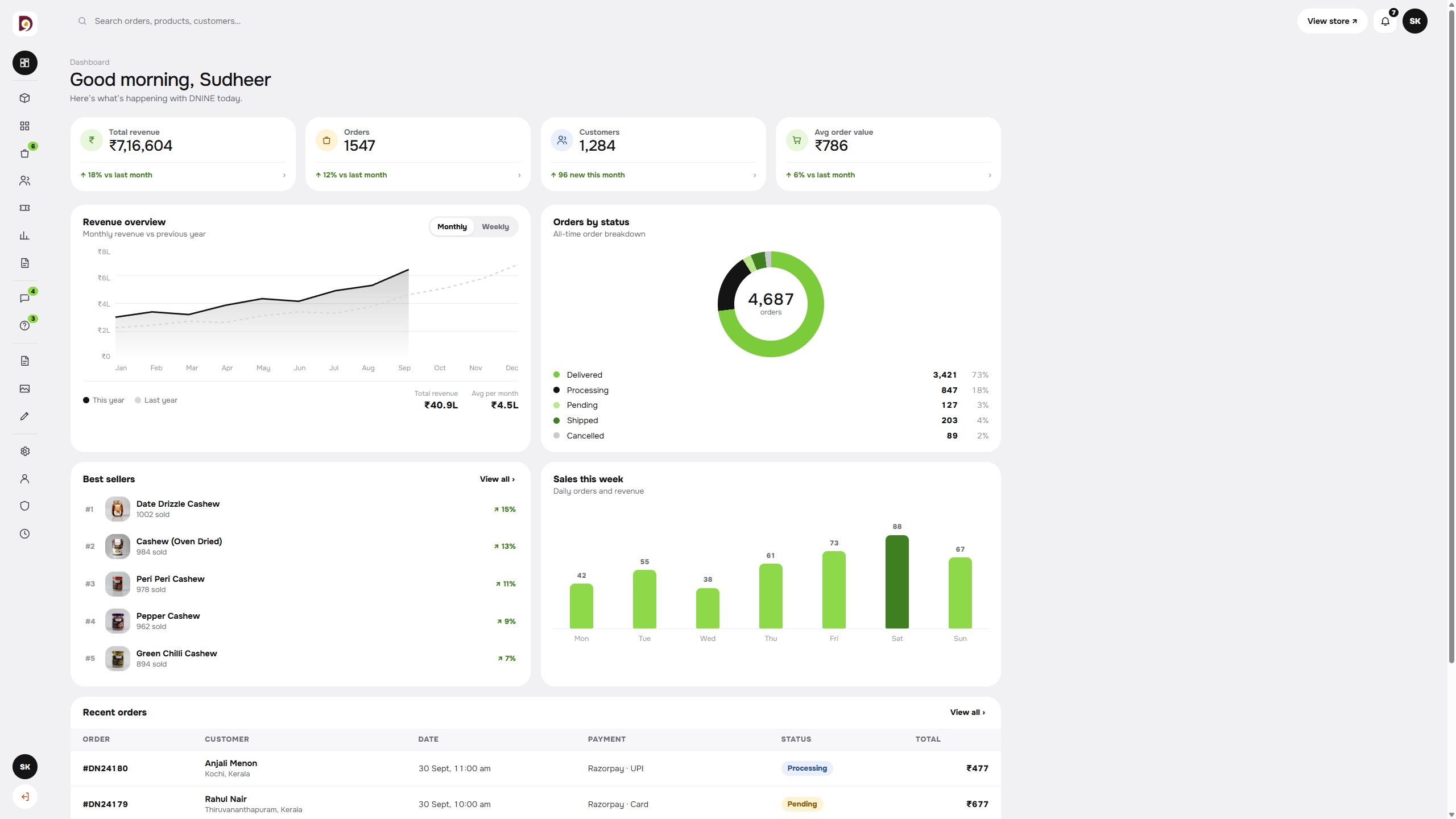
Where you’ll find it
This is the Dashboard screen in your GroKeeper admin. Your store may show different data.
Need more detail? See the full admin guide or contact support.