


Update banners and pages
Keep your storefront fresh with current banners, pages and promotions.
5 steps · about 5 minutes
Before you start
Banner images and copy
- Open the page builderChoose the page you want to edit.
- Edit a sectionChange text, images or layout.
- Reorder sectionsMove sections up or down.
- Preview on mobileCheck how it looks on phones.
- PublishSave a draft or publish live.
TipPage history lets you return to an earlier version.
Was this guide helpful?
In the admin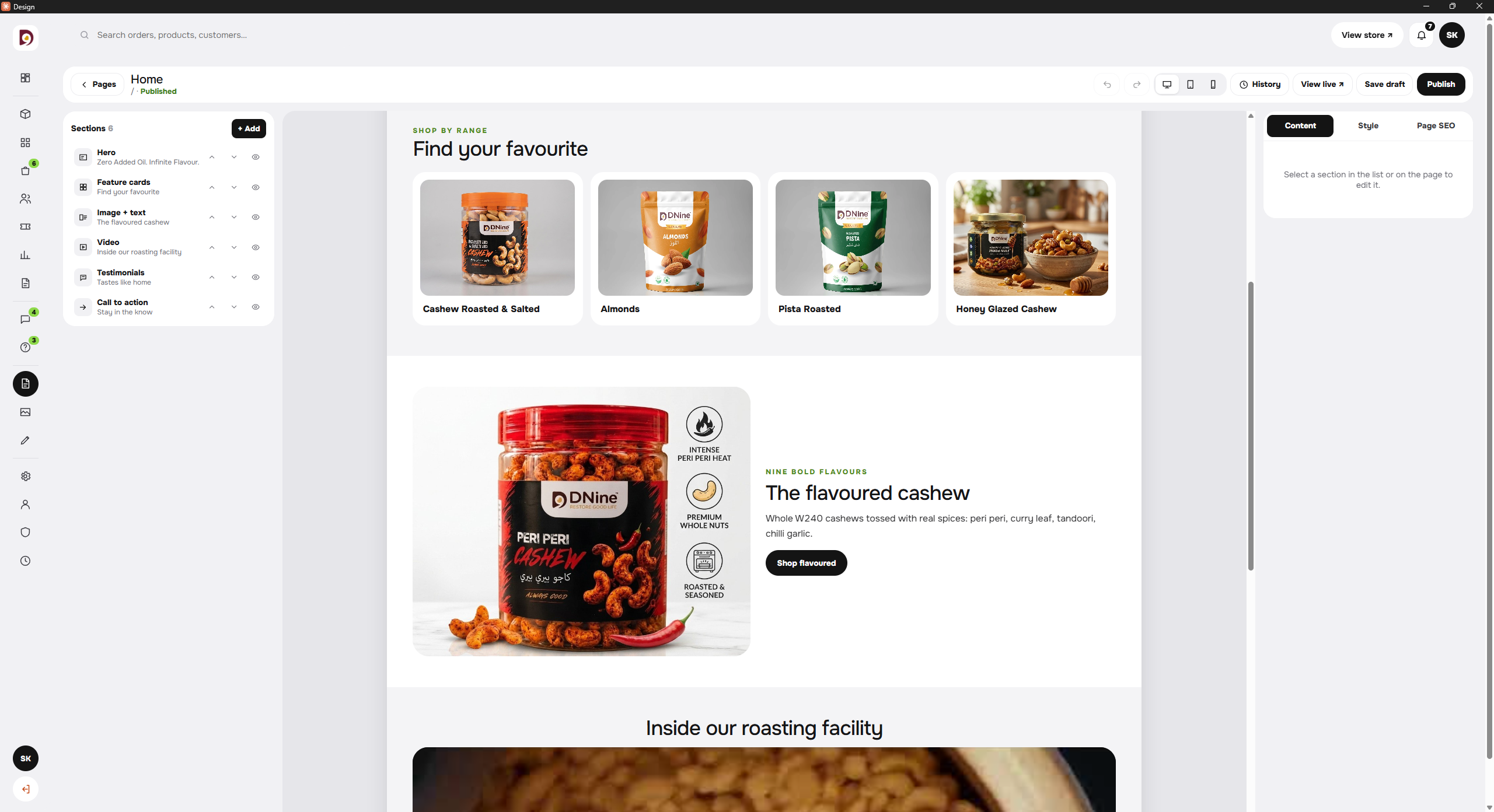
Where you’ll find it
This is the Page builder screen in your GroKeeper admin. Your store may show different data.
Need more detail? See the full admin guide or contact support.