


Review sales performance
Understand sales, products and customers with clear reports.
5 steps · about 5 minutes
Before you start
A date range in mind
- Open ReportsStart with the sales overview.
- Pick a date rangeCompare to the previous period.
- Check best sellersSee top products and slow movers.
- Review trafficSee visitors and site searches.
- Export if neededDownload any report as CSV.
TipSearches with no results are great ideas for new products.
Was this guide helpful?
In the admin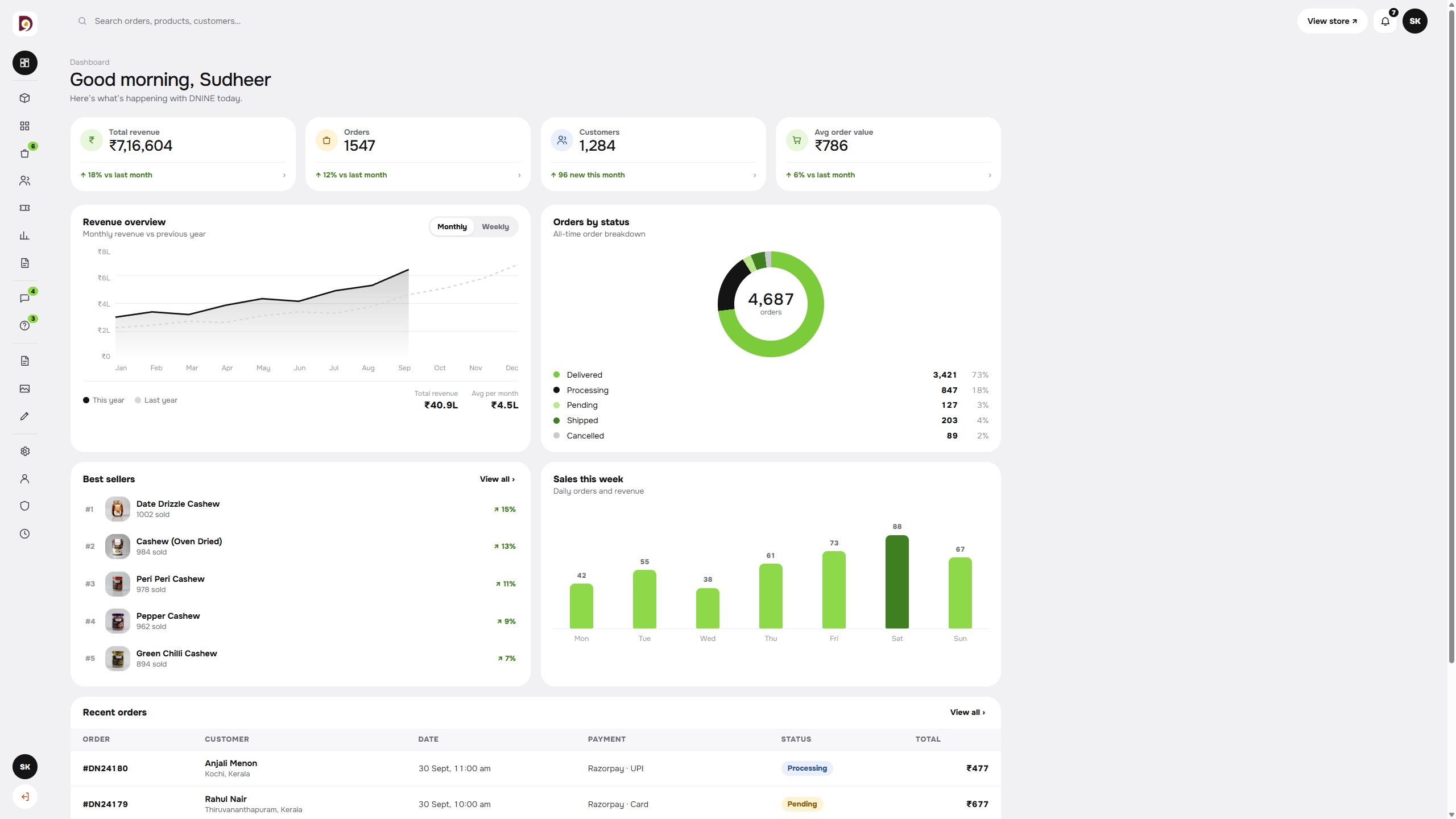
Where you’ll find it
This is the Dashboard screen in your GroKeeper admin. Your store may show different data.
Need more detail? See the full admin guide or contact support.